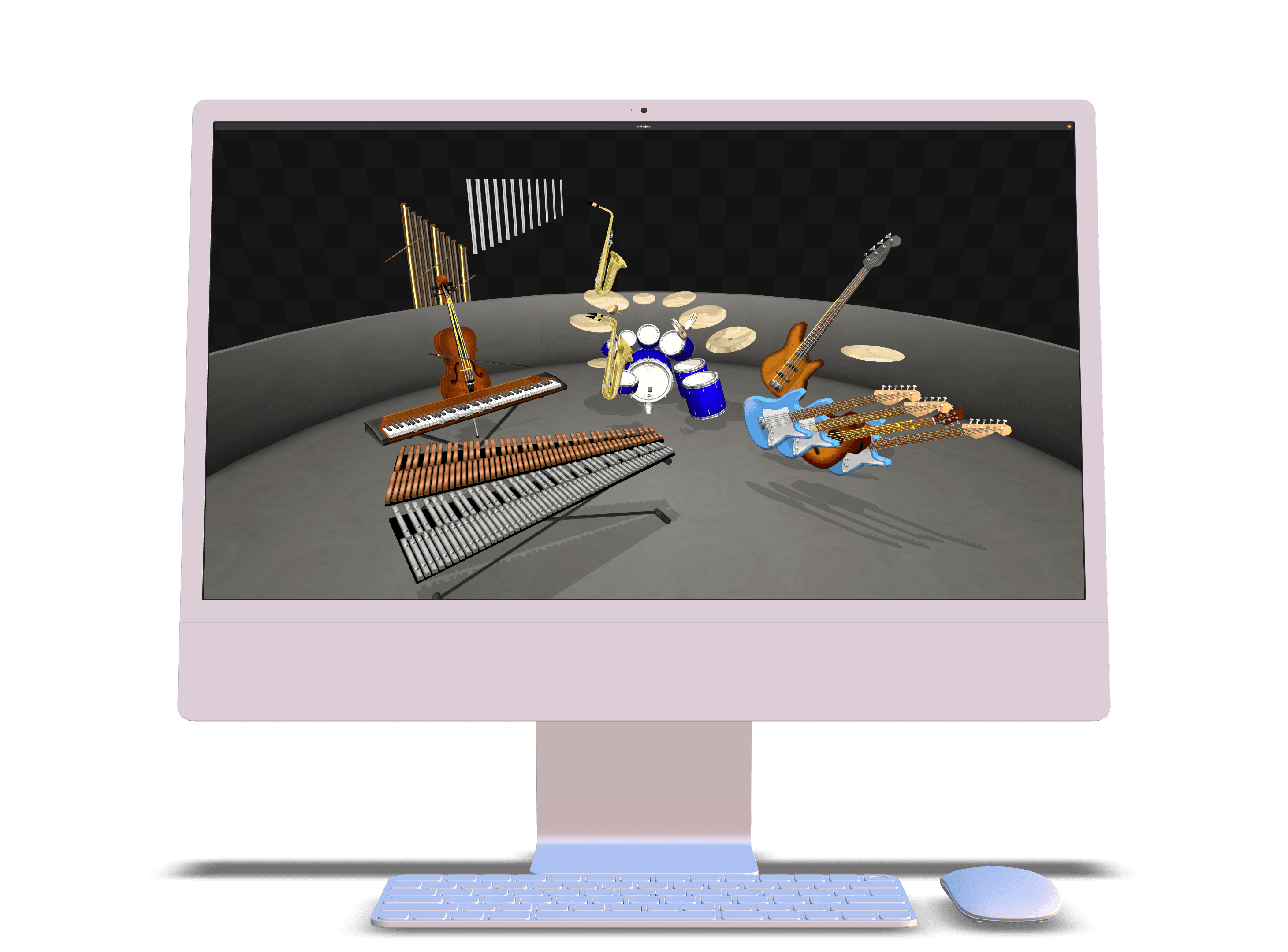
MIDIJam for the modern computer.
Feature-rich, easy-to-use, and free. midis2jam2 is the best way to play MIDI files on your computer.
🎶 Your favorite songs—animated.
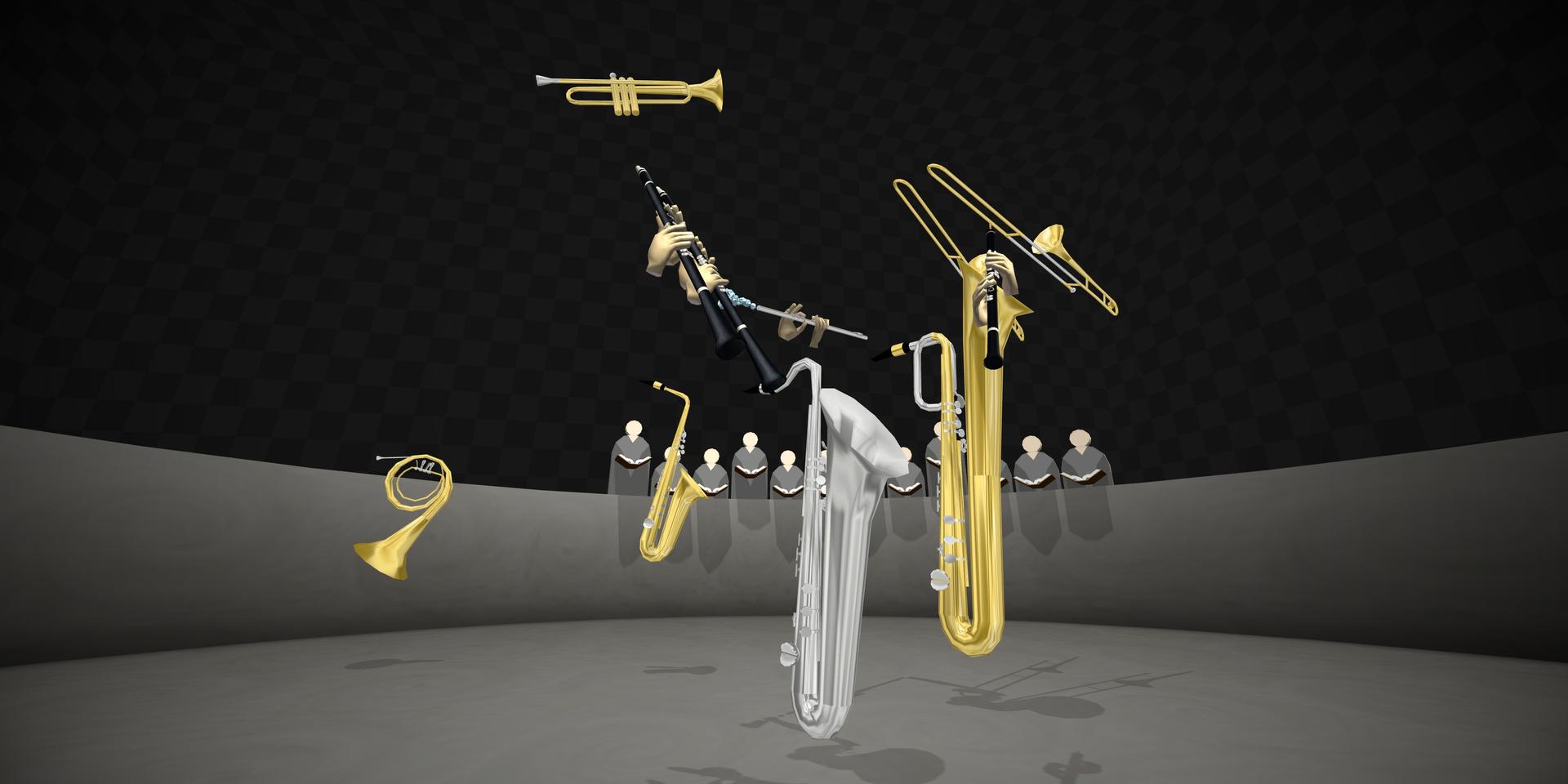
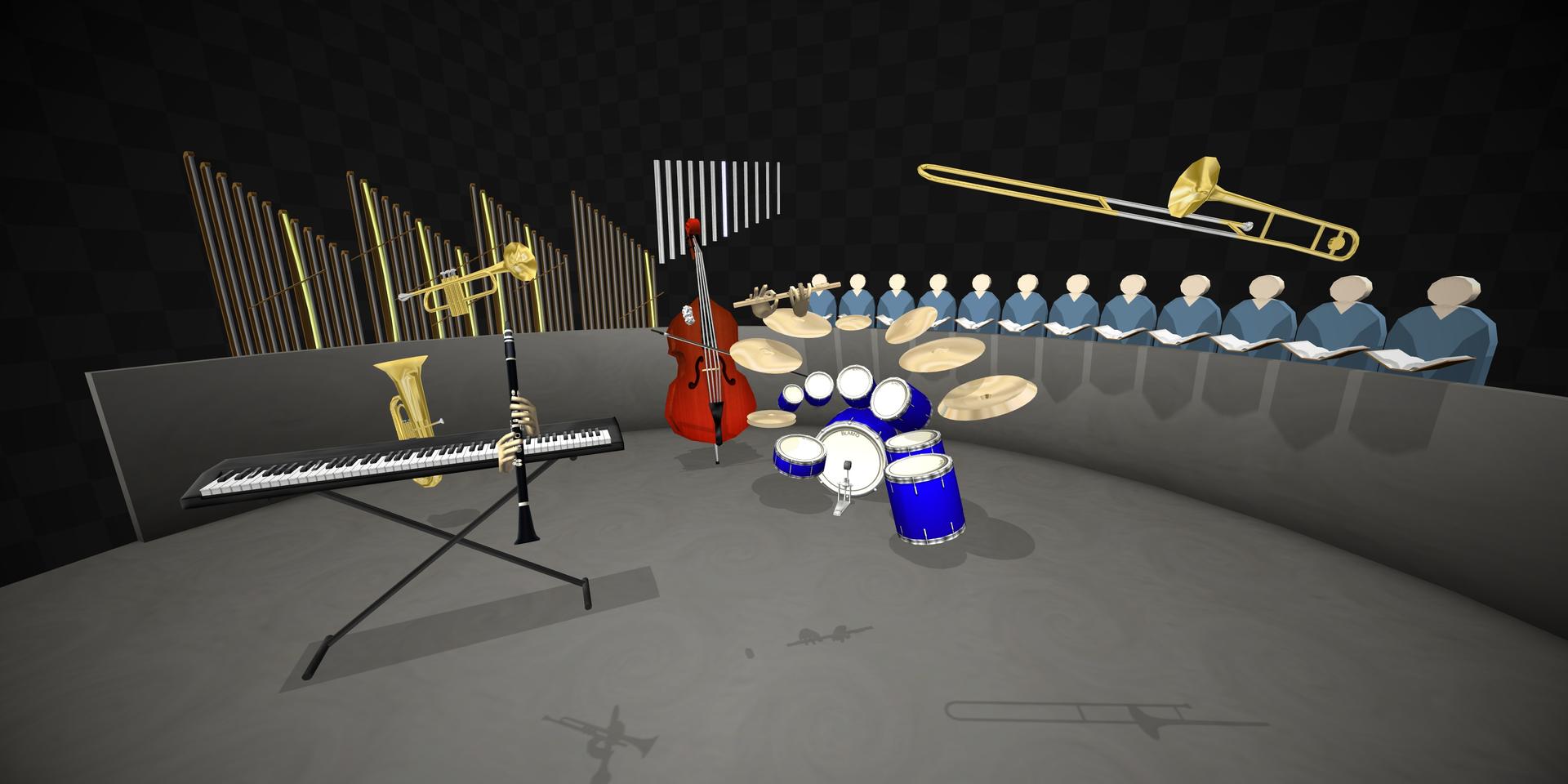
midis2jam2 is a 3D MIDI file visualizer. It plays any MIDI file and animates its performance with a virtual band.
A remaster of MIDIJam, it provides a faithful recreation of the original MIDI file visualizer with new instruments, graphics, and settings.
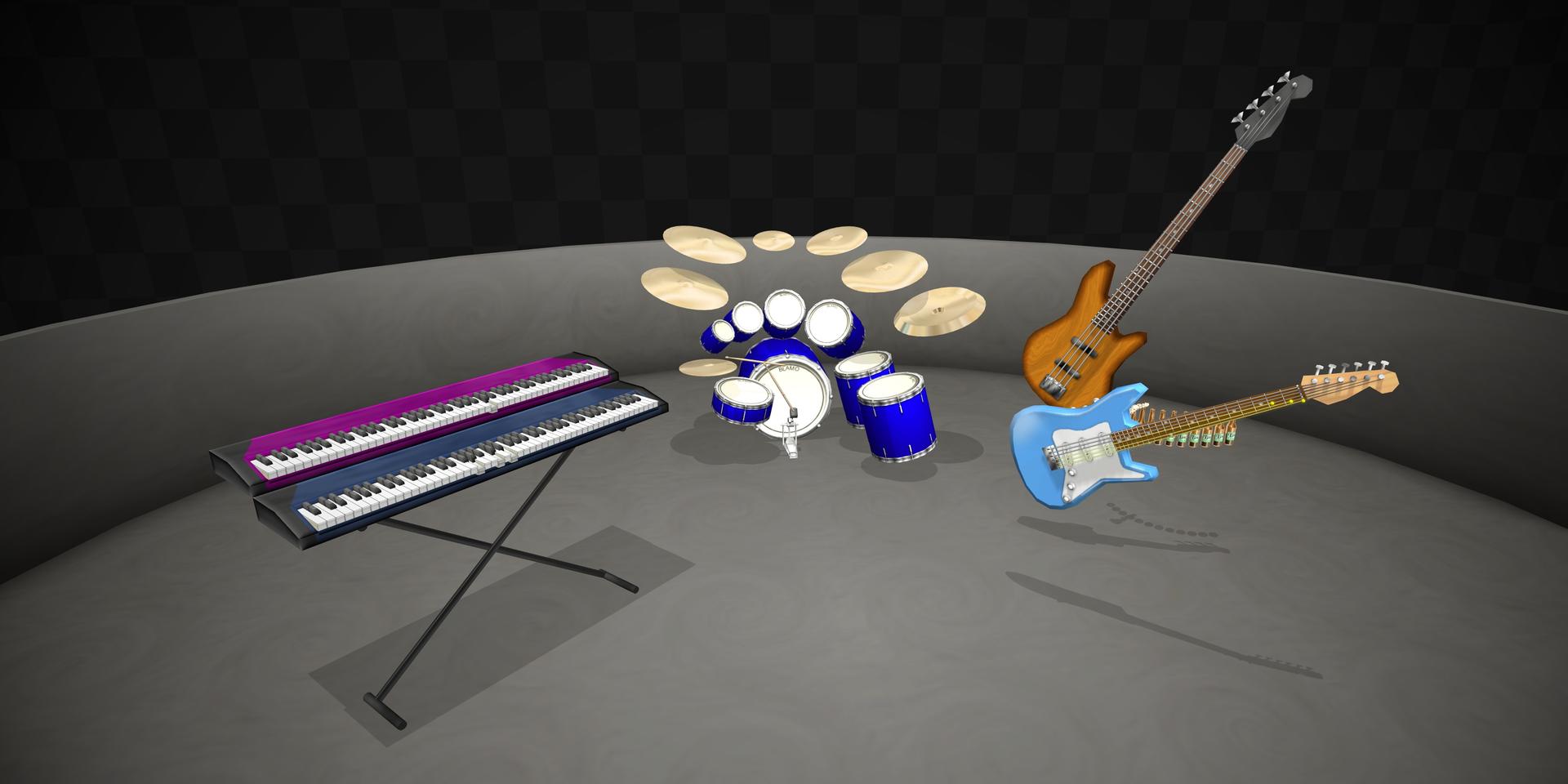
🎥 View from anywhere.
midis2jam2 natively supports a freecam/noclip feature, allowing you to move around the scene and view from any angle.
Get up close to any instrument and notice the detail. Each instrument is accurately and aesthetically animated.
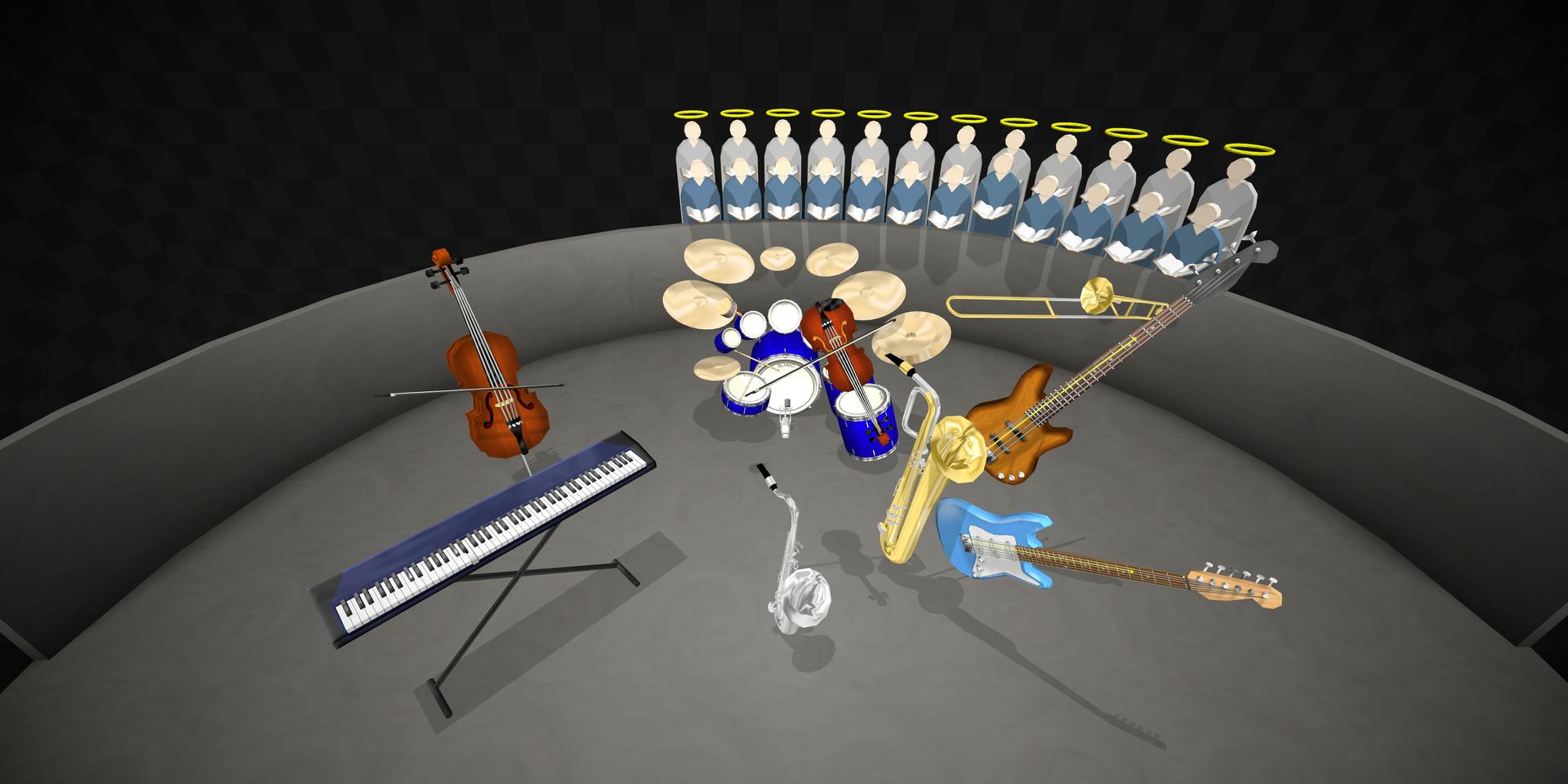
🔊 Listen with your favorite SoundFont.
Experience midis2jam2 with high-quality sound, allowing you to play with any SoundFont of your choosing.
Have a physical MIDI synthesizer? Connection is easy with simple configuration.
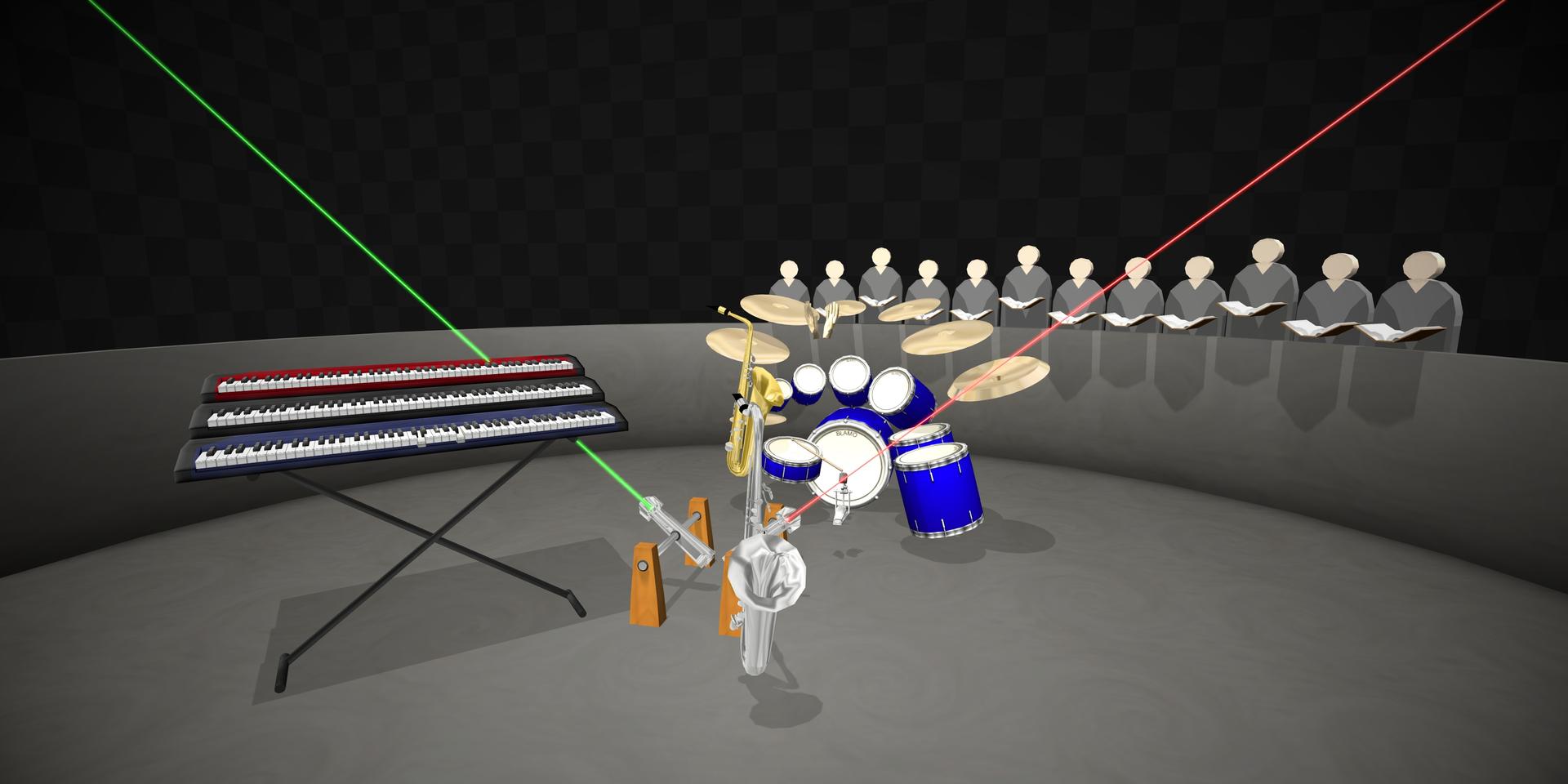
🪕 More instruments than ever before.
New instruments including the clarinet, banjo, and helicopter have on-screen visuals—with more to come with every release.
midis2jam2 currently supports the visualization of any instrument 98% of the time.
🖥️ Free and open-source—forever.
midis2jam2 is free software, licensed under the GNU General Public License . It will always be free and open-source. You can view the source code on GitHub .
You can also contribute to the project by reporting bugs, requesting features, or submitting pull requests.
📱 Also on-the-go.
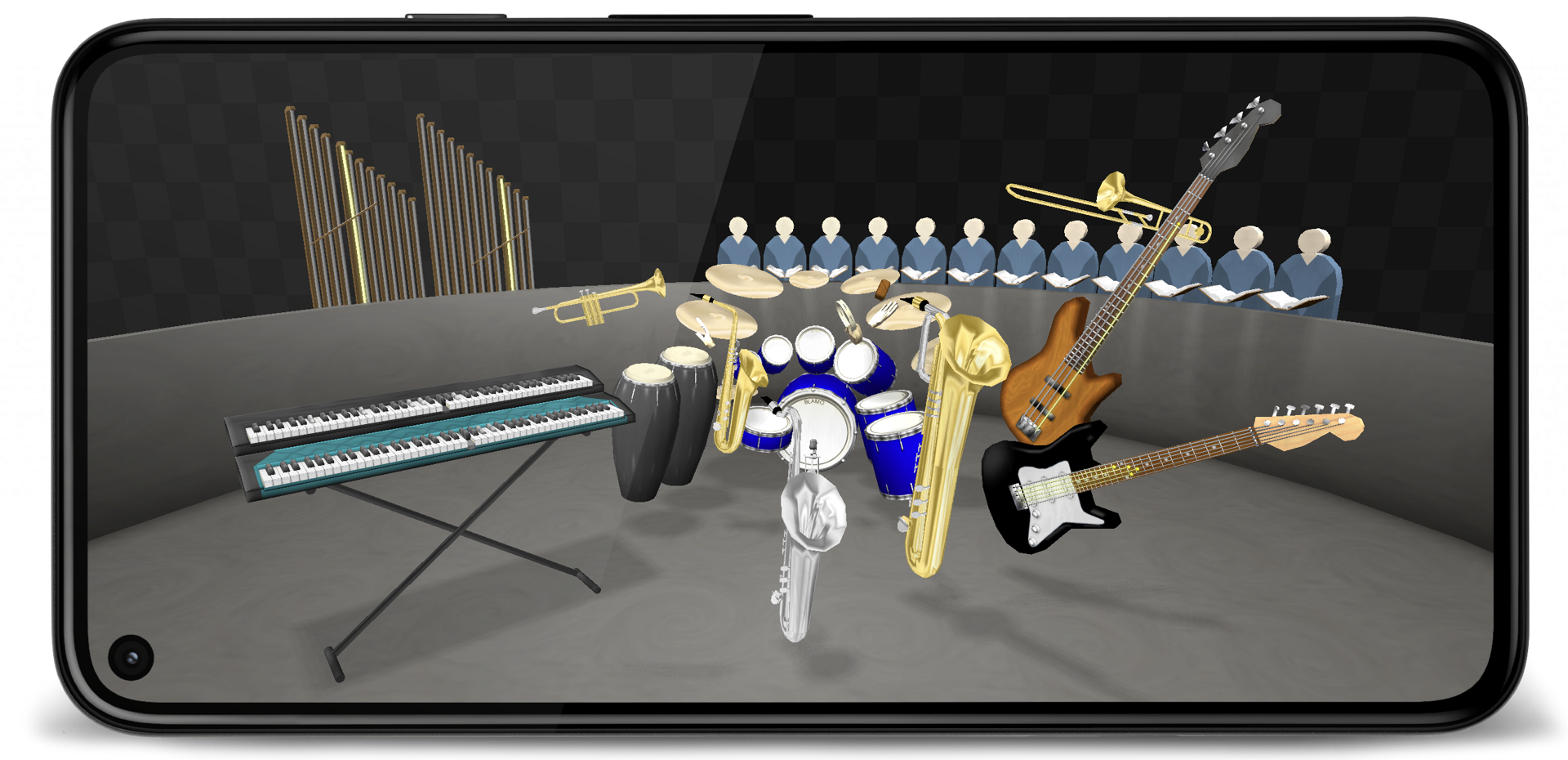
Away from the computer? midis2jam2 now runs natively on any Android phone or tablet.
Camera controls have been redesigned for touch input, so the app feels as responsive as using a keyboard and mouse.
Download
v2.2.0 – October 24, 2026
midis2jam2 will always be free to download and use. If you found this valuable or entertaining, and want to support its development, consider buying me a coffee. Thank you! ❤️
Other platforms, versions, and source
Changelog
Version 2.2.0 adds new animation features, fixes bugs, and improves quality of life.
If you have a 2.X.X version installed, click "Check for updates" in the settings screen within the app to upgrade. Otherwise, run one of the installers.
- Add a glide lyrics style (#195)
- Add a setting for smooth hand movement: morph hands between fingering shapes
- Add a setting to trim silence from the beginning and end of a song
- Add borderless fullscreen setting (#246)
- Add cinematic camera that analyses the song for interesting moments
- Add performance video recorder (#100)
- Add pitch-bend animation of portamento
- Add rendering of non-Latin scripts for lyrics and the HUD file name (#162)
- Add smart drum sticks setting: roaming sticks for drum set
- Add smart mallets setting: roaming mallets for mallet instruments
- Add smoother animation of vibrating strings
- Add support for MID files with more than one MIDI port (#227)
- Add support for XG, GS, and GM2 mappings (#91)
- Add support for rhythm channels other than Channel 10 (#362)
- Add tuning visuals for fretted instruments
- Improve conga-mute playing by hitting with either hand
- Improve fretted instrument fretting and tuning choices
- Improve load times and performance, especially on Android
- Improve string-family instrument bowing
- Improve the user interface of the settings screen
- Fix issues related to gamepad inputs causing the app to crash (#417, #419, #411)
- Fix issues related to macOS subroutine execution (#430; thanks @matthewfarrugia!)
- Fix issues with the Turkish internationalization (#349; thanks @pigeondriver45!)
- Fix the issue where Ctrl and Shift did not change the camera speed
- Fix the issue where pitch-bend modulation was framerate-dependent
- Fix the issue where reverb and chorus settings did not have an effect
- Fix the issue where the app would crash if the camera zoomed out too far (#410)
- Fix the issue where the camera would move too quickly when using the gamepad
- Fix the issue where the head-up display would not hide when the setting was disabled (#433)
- Fix the issue where the playback history would become too long and crash the app (#423)
- Fix the issue where the selected MIDI file would clear if a file was not picked
Profiled and packaged with JProfiler and install4j , a Java profiler and multi-platform installer builder.
Documentation
Need help getting started? Check out the documentation .